In the rapidly expanding world of podcasting, where thousands of new shows launch every single day, one thing remains constant: audio quality is the foundation of your success. If you are just starting your journey as a podcaster, you might be overwhelmed by the sea of gear options, technical specs, and conflicting advice. However, selecting the best microphone for podcast beginners does not have to be an expensive or complicated ordeal.
At YourStation.shop, we know that when you are building your first setup on a budget, you need gear that is reliable, easy to use, and high-performing. This guide is designed to help you navigate the landscape of audio equipment so you can start recording with confidence.
1. Why Audio Quality is the Heart of Your Podcast
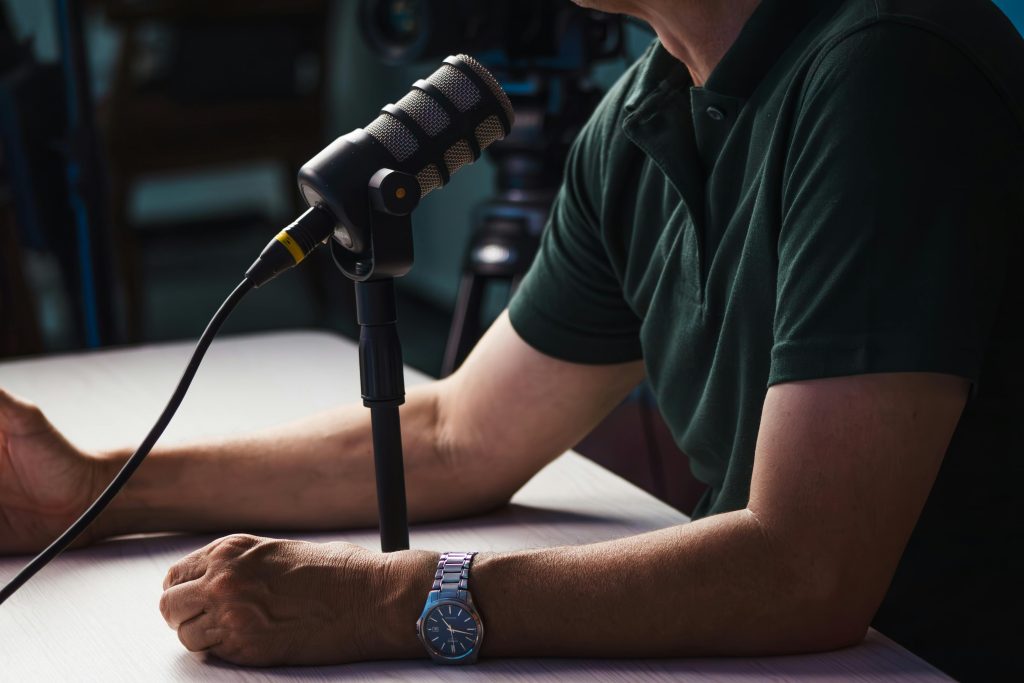
Before we dive into the technical details, let’s talk about the why. A podcast is, by definition, an audio-only medium. Unlike YouTube, where viewers can be distracted by visuals, a podcast listener is entirely focused on what they hear. If your audio is harsh, distorted, or filled with background hiss, listeners will turn off your episode within seconds.
When you invest in a quality microphone, you are doing more than just capturing sound; you are building trust with your audience. Professional-sounding audio creates an intimate experience, making the listener feel like they are in the room with you. For a beginner, the right gear is the first step toward building a loyal fanbase.
2. Choosing Your First Microphone: USB vs. XLR
Understanding the difference between USB and XLR is key to building your first podcast studio.
The biggest decision every new podcaster faces is whether to choose a USB or an XLR microphone. Both have their place, depending on your workflow.
2.1 The USB Advantage
USB microphones are the undisputed kings of the “entry-level” category. They connect directly to your computer’s USB port. No audio interfaces, no complex routing, and no extra cables.
Plug-and-Play: You can start recording within minutes of unboxing your mic.
Cost-Effective: Because you don’t need an external interface, you save a significant amount of money that you can reallocate to other essentials, such as Aura Bars™ Pro RGB Ambient Lighting to enhance your creative studio space.
Portable: Perfect for podcasters who travel or record from different locations.
2.2 The XLR Flexibility
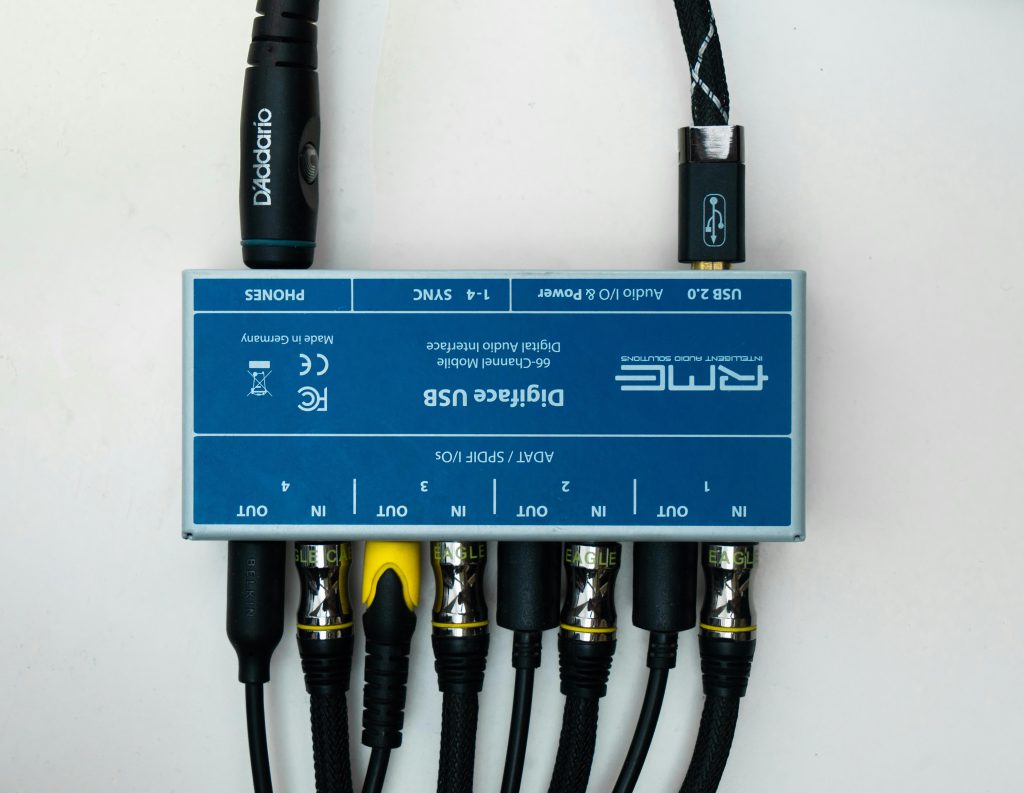
XLR microphones require an audio interface to convert the analog signal into digital data. While this setup is more complex, it offers immense room for growth.
Upgradability: You can easily swap your microphone, upgrade your interface, or add a second microphone for guests without having to replace your entire system.
Broadcast Sound: XLR mics are often the standard for professional radio and broadcast studios, providing that rich, warm vocal tone many podcasters strive for.
3. Essential Features for Podcast Microphones in 2026
As you shop for the best microphone for podcast beginners, keep an eye out for these five critical features that will save you hours of editing time in post-production.
3.1 The Polar Pattern: Cardioid is Key
For podcasting, you almost exclusively want a cardioid polar pattern. This means the microphone is designed to pick up sound from the front and reject sound from the sides and back. This is crucial for beginners recording in home environments that may not be acoustically treated. It helps minimize keyboard noise, computer fan hum, and echoes.
3.2 Integrated Shock Mounts
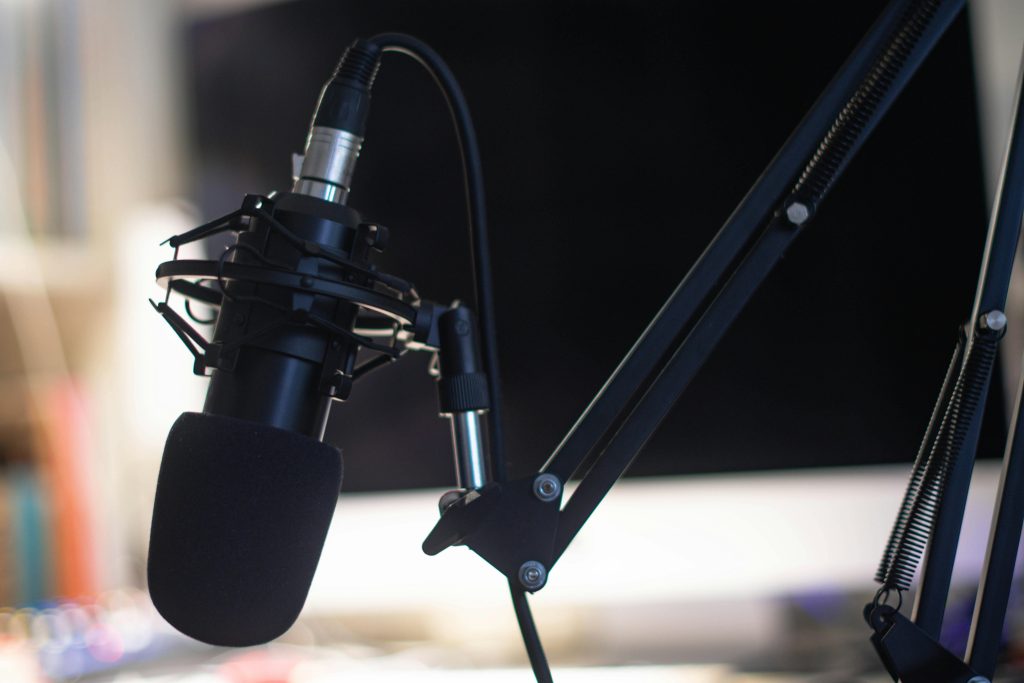
An integrated shock mount is essential for removing unwanted thumps and desk vibrations from your recordings.
A shock mount isolates the microphone from the vibrations of your desk. If you tend to move your hands while talking or accidentally bump your desk, a shock mount prevents those “thuds” from reaching your recording.
3.3 Zero-Latency Monitoring
Always choose a microphone that features a 3.5mm headphone jack for direct monitoring. This allows you to plug your headphones directly into the mic to hear yourself in real-time. This is the only way to ensure your gain levels are correct and that you aren’t peaking during excited segments of your show.
3.4 Frequency Response
Look for a frequency response that emphasizes the human voice. A slight boost in the “presence” range (typically between 3 kHz and 5 kHz) can make your voice sound crisp and articulate without requiring heavy equalization in your software.
3.5 Durable Build Quality
Since you are likely to be moving your gear around or using it frequently, a metal-bodied microphone will always outlast plastic alternatives. It’s an investment in your long-term success.
4. Building Your Podcast Studio Setup
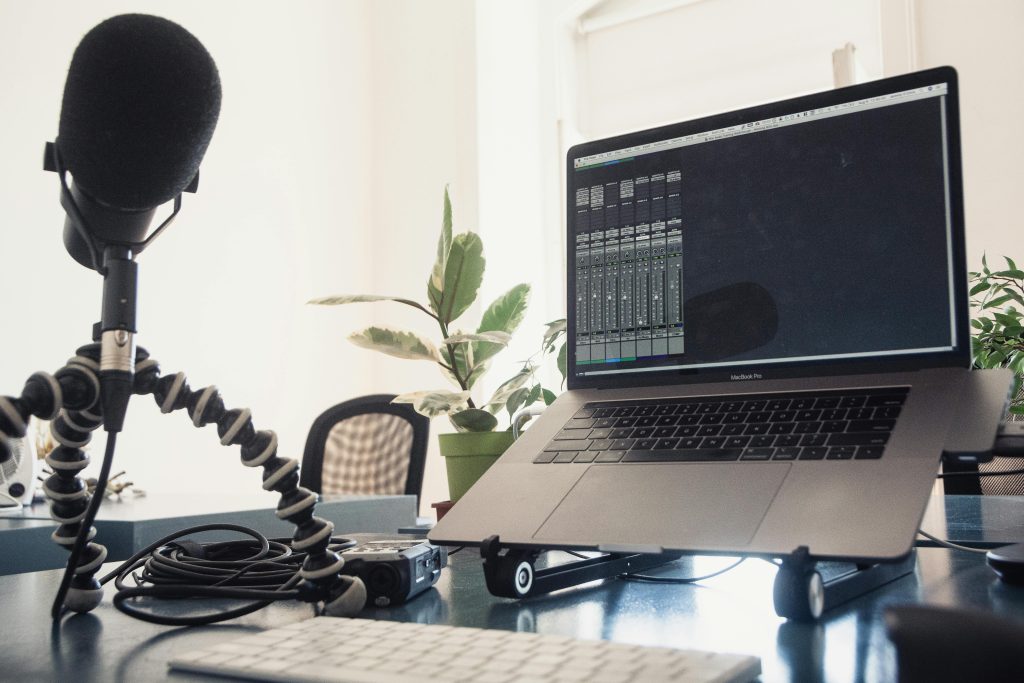
A well-organized studio setup is key to staying productive and focused while recording your podcast.
A microphone is only as good as the environment it is in. To get the most out of your gear, consider these additional elements for your YourStation setup.
4.1 Acoustic Treatment
You don’t need a multi-thousand-dollar studio. Simple hacks like hanging heavy blankets, adding rugs, or placing foam panels on the walls can stop sound from bouncing around your room, which is the #1 enemy of good audio.
4.2 Stable Support
Hand-holding your microphone or leaving it on a flimsy plastic stand is a recipe for uneven audio. A quality boom arm keeps the microphone at a consistent distance from your mouth, ensuring your volume levels remain steady throughout your recording.
Even with the best microphone for podcast beginners, your audio might need a little polish. Don’t be afraid to use free software like Audacity or free trials of professional DAWs (Digital Audio Workstations) to improve your tracks.
Noise Gate: This feature silences the microphone when you aren’t talking, effectively removing any background room hum during pauses.
Compression: A compressor evens out your volume. It makes the loud parts quieter and the quiet parts louder, resulting in a consistent, professional sound.
De-essing: This tool reduces harsh “s” and “t” sounds that can be grating to the listener’s ears.
6. Common Mistakes to Avoid as a Beginner
Many new podcasters fall into the same traps. Here is how to avoid them:
Ignoring the Mic Technique: Speak directly into the front of the mic, usually about 4–6 inches away. If you get too close, you will get “plosives” (harsh pops on B and P sounds). If you get too far, you will sound distant and echoey.
Recording in a Noisy Room: Turn off air conditioners, ceiling fans, and close windows. Background noise is extremely difficult to remove later without making your voice sound robotic.
Forgetting to Record a Backup: Always do a 30-second test recording and listen to it with your headphones before committing to a full hour-long episode.
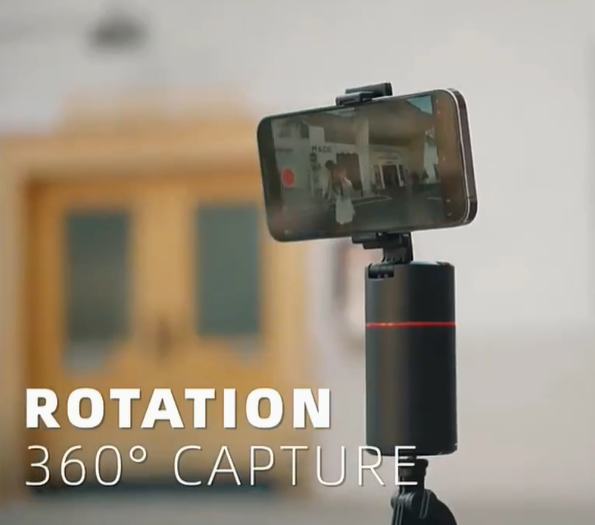
Internal Link: If you are looking to take your production level to the next level with motion and tracking, check out ourAI-Track Pro Smart Tracking.
Achieve smooth 360° motion tracking for your videos with the AI-Track Pro the perfect tool for solo creators.
7. Looking Ahead: Scaling Your Podcast in 2026
As you grow, your needs will change. Your first microphone will always hold a special place in your gear collection, but eventually, you may want to expand into multi-mic setups or live-streaming podcasts. By understanding the fundamentals today—gain staging, mic placement, and acoustic awareness—you are preparing yourself to handle more professional equipment down the road.
Remember, the audience is there for you. While gear helps, your passion, research, and personality are what will keep listeners coming back. Start simple, focus on the quality of your content, and the rest will follow.
Conclusion
Finding the best microphone for podcast beginners is all about striking the right balance between simplicity and quality. Whether you choose a versatile USB microphone to get started quickly, or opt for an XLR setup for future growth, the important thing is to stop researching and start recording.
At YourStation.shop, we are dedicated to helping every creator level up their first setup. Explore our shop, experiment with your voice, and share your unique perspective with the world. Your audience is waiting!