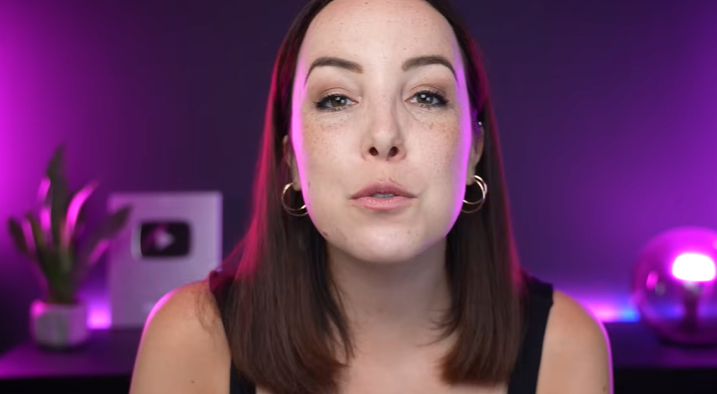
In the world of digital content creation in 2026, visual fidelity is no longer a luxury—it is a requirement. You could have the most expensive camera on the market and the most engaging script, but if your lighting is poor, your video will look amateurish. Lighting is the “secret sauce” that gives your content that polished, cinematic look seen in top-tier YouTube studios and Twitch setups. Finding the best lighting for content creators isn’t just about buying the brightest lamp; it’s about understanding color theory, shadows, and how to create an environment that reflects your brand.
In this comprehensive guide, we will break down the essential lighting setups for 2026, from the classic three-point system to the latest in RGB ambient technology, ensuring your “station” looks spectacular every time you hit record.
1. Why Lighting is More Important Than Your Camera
Many beginners make the mistake of spending their entire budget on a 4K camera, only to record in a dimly lit room. Digital sensors, even the high-end ones, struggle in low light, producing “noise” or graininess that ruins the image.
Good lighting allows even a budget smartphone to produce stunning results. By controlling the light, you control the mood. Bright, even lighting suggests transparency and energy (perfect for tutorials), while moody, directional lighting with shadows suggests depth and seriousness (perfect for video essays or storytelling).
Internal Link: While you’re optimizing your visuals, don’t forget that audio is equally critical. Check out our latest guide on theBest USB Microphone for Creators to complete your high-quality setup.
2. The Foundation: The Three-Point Lighting Setup
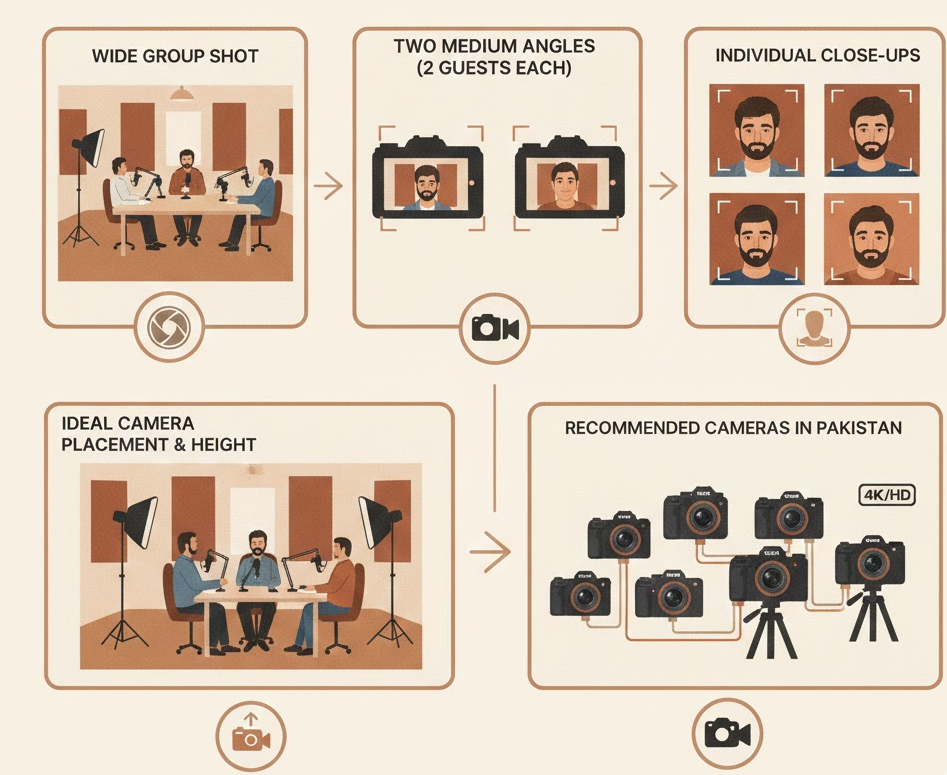
If you want to master the best lighting for content creators, you must start with the gold standard: Three-Point Lighting. This setup has been used by Hollywood for decades because it creates a three-dimensional look on a two-dimensional screen.
The Key Light
This is your primary light source. It should be the brightest and placed at a 45-degree angle to one side of your face. It provides the main illumination and defines your features.
The Fill Light
Placed on the opposite side of the Key Light, the Fill Light is less intense. Its job is to “fill in” the shadows created by the Key Light, ensuring the dark side of your face still has detail without looking flat.
The Back Light (The “Hair” Light)
This light is placed behind you, usually out of the frame. It shines on your head and shoulders, creating a thin rim of light that separates you from the background. This is what prevents you from “blending” into your chair or wall.
3. The RGB Revolution: Adding Personality to Your Station
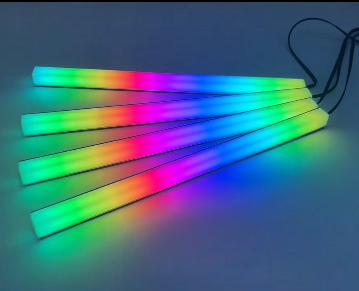
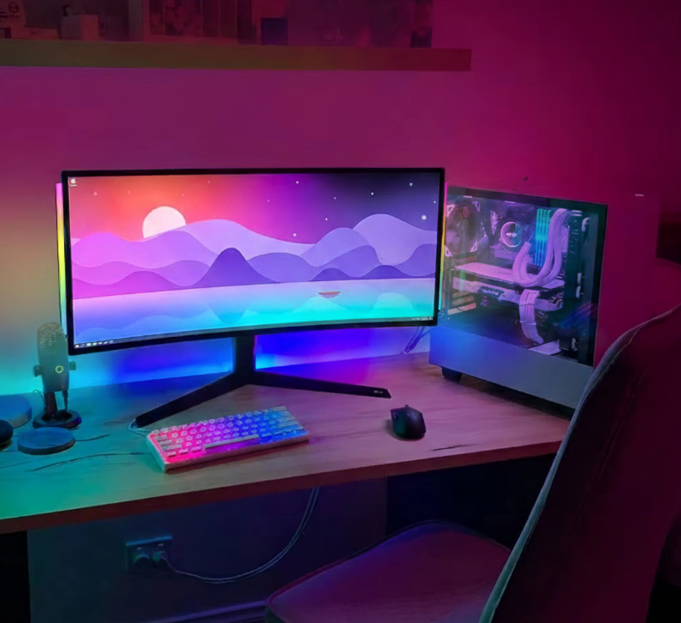
In 2026, content is about personality. Flat white light is functional, but RGB (Red, Green, Blue) lighting is what makes your setup memorable. Ambient lighting helps set the “vibe” of your channel.
Whether you are a gamer looking for that futuristic neon look or a tech reviewer wanting a clean, modern aesthetic, RGB bars are the most versatile tool in your arsenal.
Internal Link: To achieve that professional background glow, we highly recommend our Aura Bars™ Pro – RGB LED Ambient Light. They are perfect for placing behind monitors or in the corners of your room to create a dynamic atmosphere that reacts to your content.
4. Lighting for Different Niches
The best lighting for content creators depends entirely on what you are making.
For Streamers and Gamers
You need lighting that doesn’t cause eye strain during 8-hour sessions. Large, diffused light panels or “Ring Lights” are popular because they provide soft light that hides skin imperfections. However, adding “Accent Lights” in the background (like LEDs on shelves) adds depth to your stream.
For Vlogging and Handheld Content
If you are moving around, you need something lightweight that attaches to your camera or phone. Portable LED panels are essential here.
Related Product: If you are recording dynamic shots while moving, pair your portable lighting with our AI-Track Pro – 360° Smart Face Tracking Gimbal. It ensures that no matter where you move in your lit environment, the camera stays perfectly locked on you.
5. Soft Light vs. Hard Light: Which Should You Use?
Understanding the quality of light is key to a professional look.
- Hard Light: Comes from a small source (like a bare bulb). It creates sharp, dark shadows. It can look very dramatic but is often “unforgiving” on skin.
- Soft Light: Comes from a large, diffused source (like a softbox or a light reflected off a white wall). It wraps around the subject, smoothing out wrinkles and creating a natural, flattering look.
Most creators should aim for Soft Light for their faces and keep Hard Light for accentuating objects or backgrounds.
6. Color Temperature: Setting the Mood
Light isn’t just “white.” It has a temperature measured in Kelvin (K).
- Warm Light (3200K): Yellowish/Orange. Feels cozy, intimate, and welcoming. Great for lifestyle vlogs or late-night podcasts.
- Daylight (5600K): Crisp and blue-ish. Feels professional, clean, and energetic. Best for tech reviews and tutorials.
The most advanced lighting kits in 2026 allow you to adjust the Kelvin settings, giving you total control over the “time of day” feeling in your videos.
7. Privacy and Security in Your Studio
While you are focusing on making your station look amazing, don’t forget about your digital safety. A professional studio often involves high-quality webcams that are always connected.
Internal Link: Protect your digital life between recordings. Use our Ultra-Thin Webcam Privacy Cover to ensure that your camera only sees what you want it to see, even when the lights are on.
8. Common Lighting Mistakes to Avoid
- Backlighting by a Window: Never record with a bright window behind you. The camera will turn you into a dark silhouette. Keep the window in front of you to use it as a natural (and free!) key light.
- Mixed Color Temperatures: Avoid having a warm ceiling light on while using a cool LED panel. It creates weird skin tones that are impossible to fix in editing.
- Over-Lighting: More light isn’t always better. If you wash out all the shadows, your face will look flat and “pasty.” Shadows are your friend—they provide shape and character.
9. Budget-Friendly Lighting Hacks
You don’t need to spend thousands to have the best lighting for content creators.
- The Shower Curtain Trick: If your light is too “hard,” hang a white, translucent shower curtain in front of it. It acts as a massive diffuser, creating beautiful soft light.
- Bounce Lighting: Point your light at a white ceiling or wall instead of at yourself. The reflected light will be much softer and more even.
Organization Tip: A clean studio is a well-lit studio. Keep your cables and power adapters for your lights organized with ourPro-Travel Tech Organizer Pouch Set. Nothing ruins a professional shot like a mess of wires in the background.
10. Conclusion: Level Up Your First Setup
Investing in the best lighting for content creators is the single fastest way to increase your production value. Whether you start with a simple ring light or go all-in with a professional three-point RGB system, remember that the goal is to make your content as engaging as possible for your audience.
At YourStation.Shop, we believe that every creator deserves a professional-grade setup without the professional-grade headache. Start small, master your shadows, and watch your engagement grow as your visuals improve.
Explore more guides to perfect your station: